
Download CCleaner Portable – Portable, Free, Clean, Optimize, Speed Up, System, PC Cleaner, Windows, Utility, Tool, Privacy, Cleaning, Registry, Temporary Files, Hard Disk Space, Online Activity, History
Overview
CCleaner Portable is a freeware utility designed to optimize and clean Windows-based systems. It serves as a lightweight yet powerful tool for users seeking to improve their computer’s performance by removing temporary files, clearing browsing history, and managing system clutter. The application is particularly useful for individuals who prioritize privacy and system efficiency, especially those using shared or public computers where traces of online activity could pose security risks.
By eliminating unnecessary files such as cache, logs, and temporary data, CCleaner Portable helps free up valuable hard disk space and allows Windows to operate more efficiently. It also includes a registry cleaner, which aims to repair invalid entries that may slow down system startup or cause instability over time. This functionality makes it a valuable tool in the broader ecosystem of system maintenance utilities.
The app is designed for users who need a no-installation solution—ideal for those using USB drives or working in restricted environments where software installation is not permitted. Although the developer did not provide additional technical details about its architecture or compatibility beyond Windows, the application’s portability ensures it can be run from any removable storage device without leaving traces on the host system.
Key Features & Functionality
- Temporary File Cleanup: Removes temporary files generated by Windows and installed applications, helping to free up hard disk space and improve system responsiveness.
- Internet History and Privacy Protection: Clears browsing history, cookies, cache, and form data from popular web browsers, enhancing user privacy and reducing data footprint.
- Registry Cleaner: Scans and repairs invalid or obsolete registry entries, aiming to stabilize system performance and prevent potential startup delays.
- Portable Operation: Designed to run without installation—ideal for use on USB drives or in environments where software installation is restricted.
- Lightweight Design: With a file size of just 4.3 MB, it loads quickly and consumes minimal system resources during operation.
For example, a user working on a public computer can run CCleaner Portable after browsing to remove all traces of their session, ensuring no personal data remains. Similarly, someone managing multiple devices can carry the tool on a flash drive for consistent system maintenance across machines. The tool’s ability to clean both system-level and application-specific temporary files makes it a versatile utility for everyday users and IT professionals alike.
Interface, UX & Performance
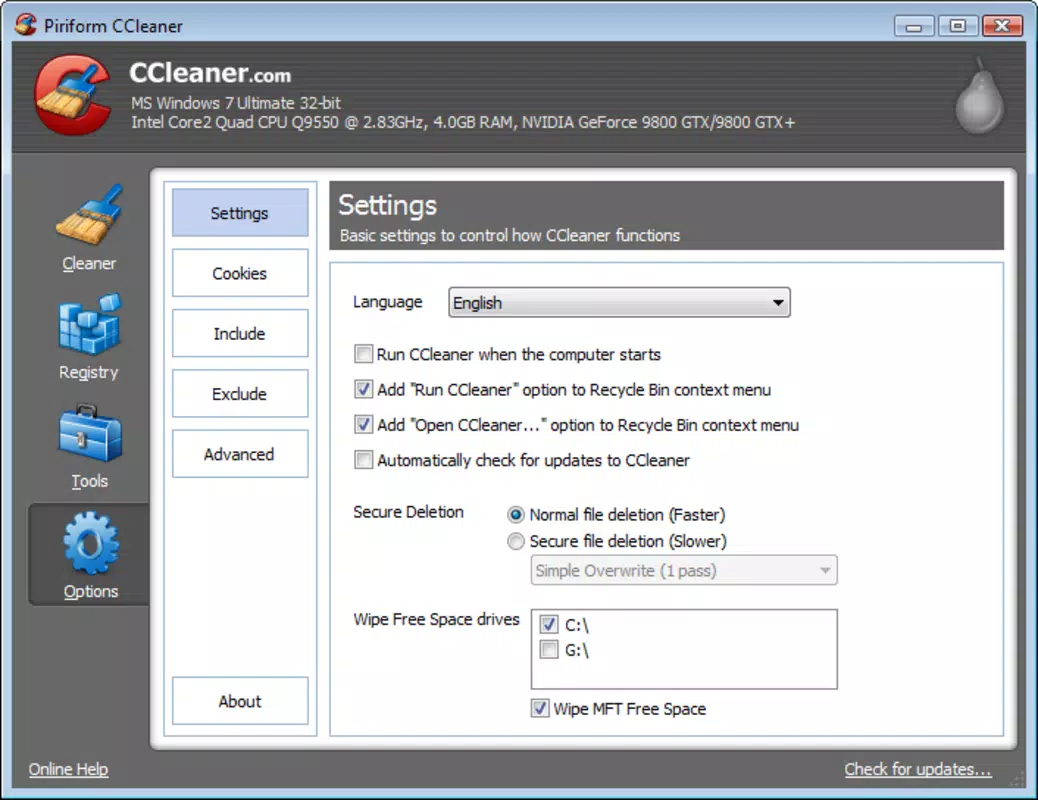
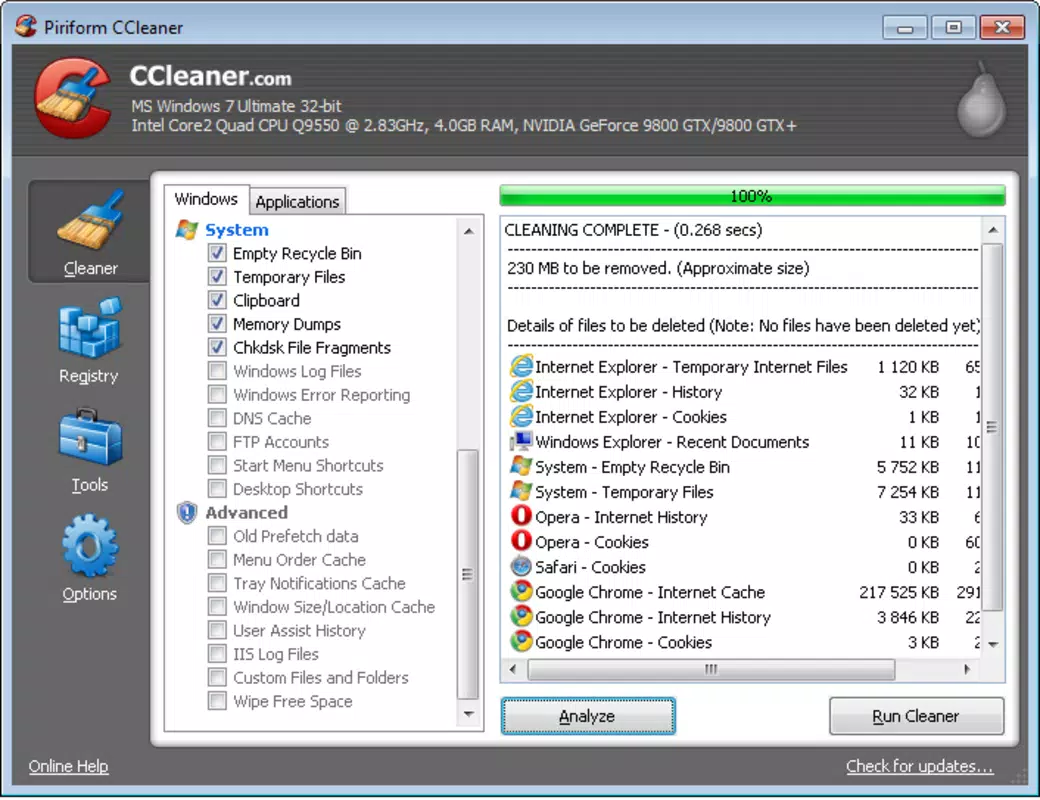
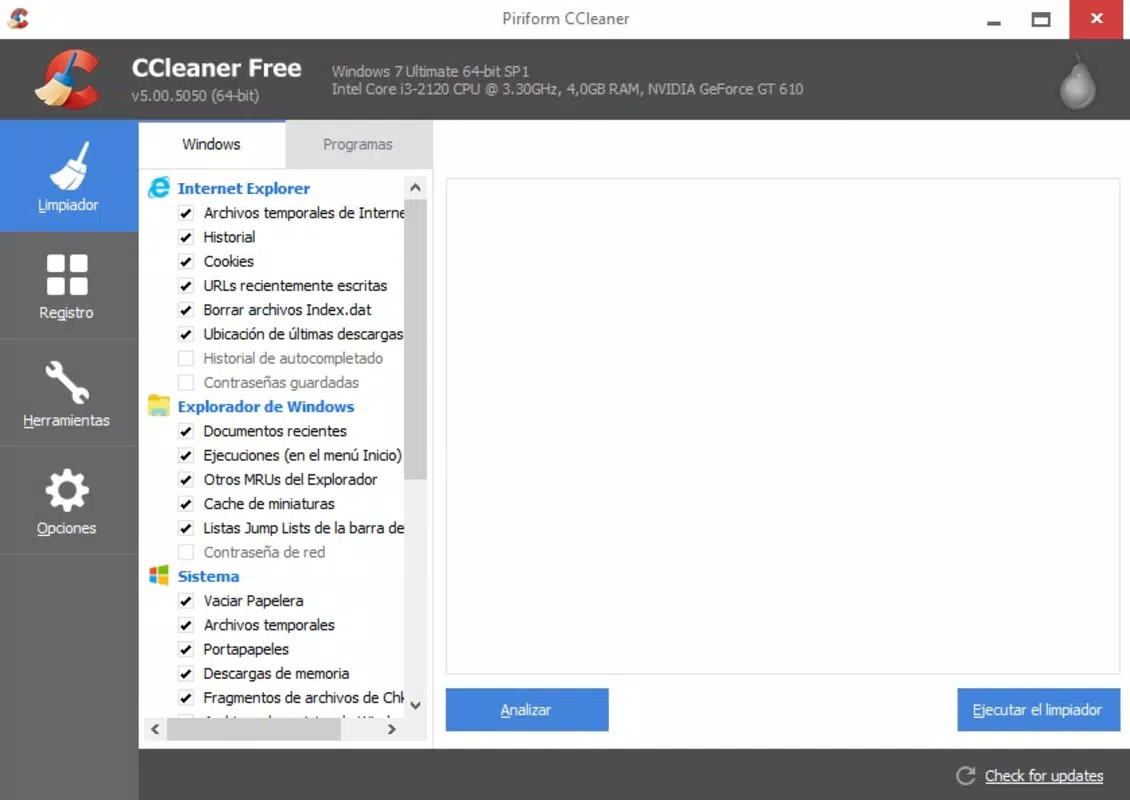
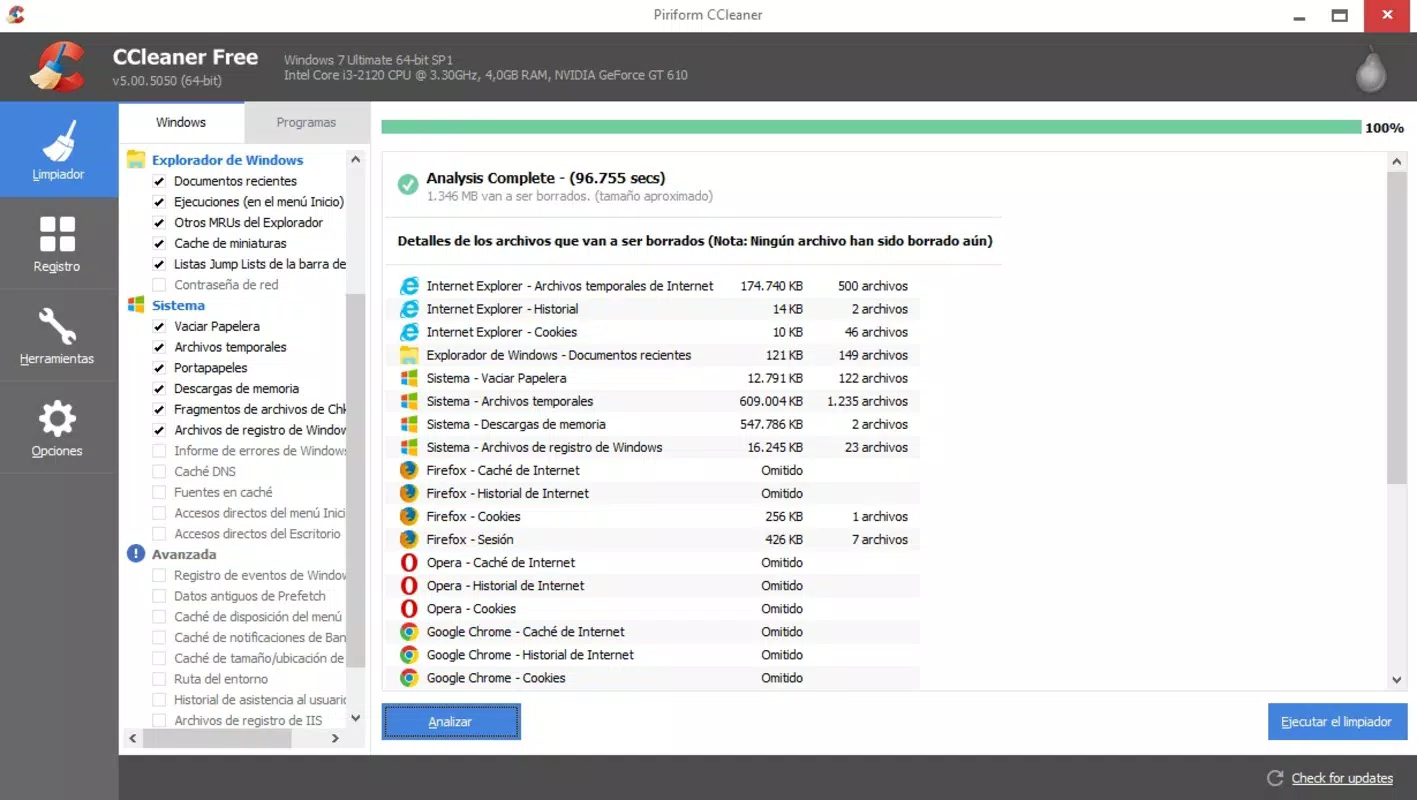
CCleaner Portable features a clean and intuitive interface that prioritizes usability without overwhelming users with technical jargon. The layout is straightforward, with clearly labeled sections for file types, system components, and cleanup options. Navigation is linear and predictable, allowing users to select specific categories for cleaning with minimal effort.
Visual design is minimalistic, focusing on functionality over aesthetics. The interface remains responsive across different screen resolutions and does not exhibit lag or freezing during operation. Although the developer did not list formal performance metrics, the lightweight nature of the application suggests stable performance even on older or low-resource systems.
Responsiveness is consistent during scanning and cleanup processes. The tool provides real-time feedback on the number of files detected and removed, helping users track progress. Stability is maintained throughout execution, with no reported crashes or unexpected exits during standard use. The absence of installation requirements also reduces the risk of system conflicts, contributing to a smoother user experience.
Platform Compatibility & Technical Requirements
CCleaner Portable is designed exclusively for the Windows operating system. It is compatible with Windows platforms, though specific OS versions were not listed by the developer. The application is distributed as a standalone executable file with a file size of 4.3 MB, making it suitable for use on devices with limited storage.
Since it is a portable application, no installation or administrative privileges are required to run it. This makes it ideal for use on shared computers, public terminals, or devices with restricted access. The developer did not specify minimum OS requirements or hardware specifications, so users are advised to test compatibility on their specific systems.
Although the application is not available on mobile platforms, its design philosophy aligns with the growing demand for lightweight, secure, and privacy-focused tools that can be deployed quickly without long-term system impact.
Pros and Cons
Pros
- Free to use with no hidden costs or in-app purchases.
- Runs without installation—perfect for USB drives and restricted environments.
- Small file size (4.3 MB) ensures fast loading and minimal resource usage.
- Effective at removing temporary files and cleaning browsing history.
- Includes a registry cleaner for advanced system optimization.
Cons
- Developer did not provide detailed information on supported Windows versions.
- No built-in update mechanism—users must manually download the latest version.
- Interface lacks advanced customization options for power users.
- Not available on mobile platforms such as Android or iOS.
- Specific technical requirements were not disclosed.
FAQ
Is CCleaner Portable safe to use?
Yes, CCleaner Portable is a freeware tool developed by Piriform Ltd., a well-known company in the system optimization space. It does not contain malware or adware. However, users should always download it from official sources to ensure security.
Can I use CCleaner Portable on multiple computers?
Yes, since it is portable, you can run it from a USB drive or any storage device across multiple Windows computers without installing it.
Does CCleaner Portable require admin rights?
No, it does not require administrative privileges to run, making it suitable for use on restricted or shared systems.
How often should I run CCleaner Portable?
It is recommended to run it periodically—such as once a week or after heavy browsing sessions—to maintain optimal system performance and privacy.
Is there an update feature built into the app?
No, the application does not include an automatic update function. Users must manually check for and download the latest version from the official website.
Final Thoughts
CCleaner Portable stands out as a reliable, lightweight, and privacy-focused utility for Windows users who value system performance and data security. Its ability to clean temporary files, browsing history, and registry entries without installation makes it an essential tool for both casual users and professionals managing multiple systems.
While it lacks some advanced features found in full-featured versions, its simplicity, portability, and zero cost make it a strong choice for anyone seeking a trustworthy PC cleaner. The absence of an update mechanism and limited technical documentation are minor drawbacks, but they do not diminish its core value.
For users who prioritize speed, privacy, and convenience, CCleaner Portable delivers consistent results with minimal effort. Download CCleaner Portable now to keep your Windows system fast, clean, and secure.


